AI writes your MuleSoft code. Who decides if it's worth shipping?
Docs cover the mechanics. AI writes the boilerplate.
Neither one tells you why your integration failed at 3am.
Integration Trails is where MuleSoft developers, architects, and Salesforce consultants learn to think like
engineers on production — the judgment that keeps you valuable even
when AI is writing the code.
The gap between "it works in dev" and "it survived production"
The async pattern that looked right on the whiteboard
It collapsed under load. No one warned you why. The post-mortem took four hours. The client was not happy.
The AI-generated DataWeave that passed code review
It broke on an edge case nobody tested. AI doesn't know what it doesn't know. And at that point, neither did you.
The 3am call
The integration you shipped six months ago just failed. Your phone is ringing. You're the one who shipped it.
This isn't for everyone.
Is it for you?
MuleSoft Developer
or Architect
You know the tools. You've shipped real integrations. What you want is to be the person who catches the problem before it ships — not the one explaining what broke at 11pm.
Salesforce
Consultant
Integration shows up in every project. You're tired of depending on a MuleSoft specialist for every connectivity question. You don't need to become a MuleSoft developer. You just need to stop being caught off guard.
Integration
Tester
You test the flows. But honestly, you're not always sure why something would break in production — only that it did. That gap shows up in every post-mortem.

Patryk Bandurski
Co-founder
MuleSoft Hall of Fame Ambassador. 15+ years building integrations across finance, retail, and public sectors.
The post-mortems, the design decisions that went wrong, the client calls that didn't go well — that's the raw material Integration Trails is built from.

Dominik Kruszewski
Co-founder
Enterprise integration engineer and platform builder. Turns real-world production experience into the tools and scenarios that make engineers think.
Every module on Integration Trails has been through the grind of actual projects — the edge cases, the trade-offs nobody documents, the decisions that haunt you at 3am. That's what we teach.
What changes after
Integration Trails
You evaluate AI output.
You don't just use it.
Every module has a moment that doesn't exist anywhere else: here's what AI generates for this scenario — here's what won't make it through production. You learn to spot the difference before it ships.
You make the call under pressure — without second-guessing.
Scenarios arrive like real projects do: incomplete requirements, missing context, no clean answer. You work through the judgment, not just the syntax, until it feels natural.
You practice hands-on without needing a MuleSoft license.
Step-by-step interactive tutorials walk you through real platform work. No license. No setup. Nothing between you and the practice.
You actually finish what you start.
Every lesson is 2–3 hours. Built for developers, architects, and consultants with real client work, not students with free afternoons. You pick it up, finish it, and use it the next day.
Your skills become visible — not just something you claim.
Your profile shows what you've built and how well. The leaderboard shows where you stand. It's not a certificate. It's a track record.
What a session
looks like
Articles to read
The theory, without the fluff. Short article with context and vocabulary before the scenario lands.
 // 01 · CONTEXT
 Video lessons
Watch the decision being made. Architecture diagrams, flow walkthroughs, the moment where the pattern breaks.
 // 02 · WATCH THE DECISION
 Interactive walkthrough
Step-by-step guided practice inside the integration platform. No local setup, no license needed.
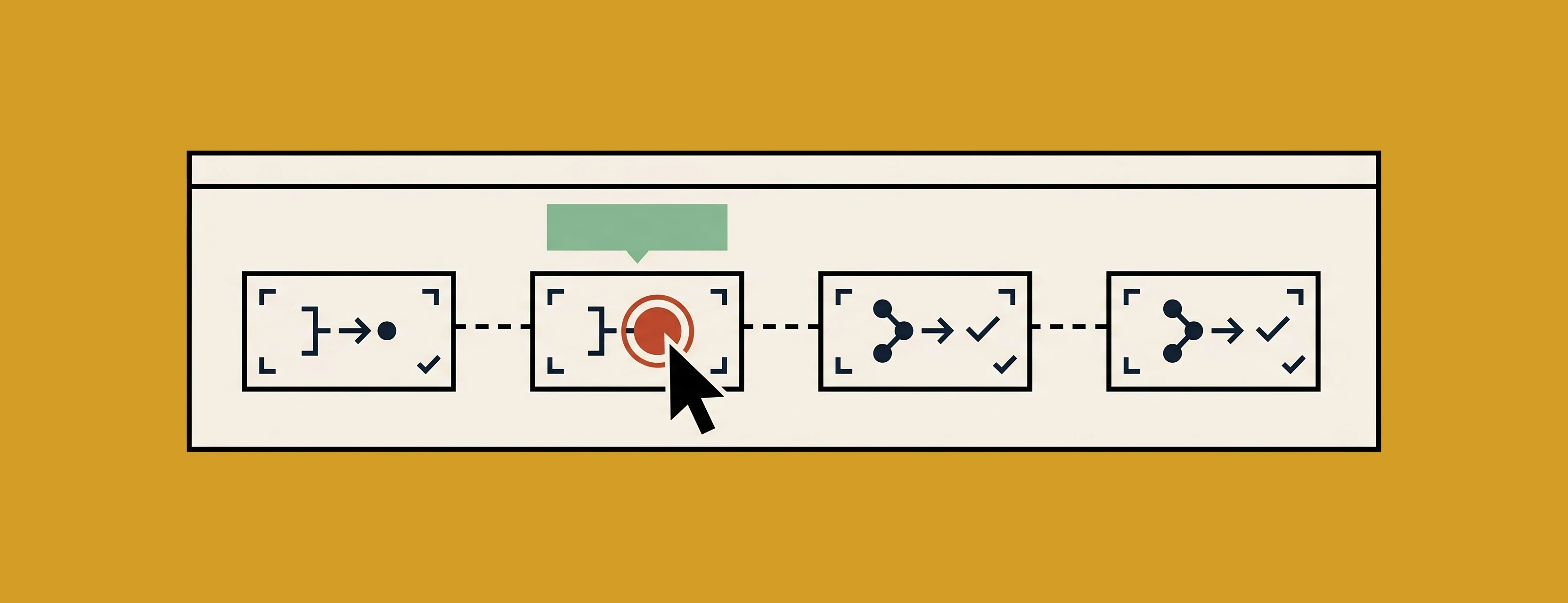 // 03 · GUIDED RUN
 Quiz
Short knowledge checks after each lesson segment — to surface gaps before you hit the scenario.
 // 01 · CHECKPOINT
 DataWeave challenge
Write the code. See what breaks. Real transformations from the module's production scenario.
 // 05 · WRITE THE CODE
 Scenario assessment
A real-world brief. Incomplete on purpose. Conflicting requirements, missing context, no clean answer.
 // 06 · NO CLEAN ANSWER
 The AI moment
Every module has one: here's what AI generates for this scenario — here's what would have failed.
 // 07 · WAHT WOULD HAVE FAILED